No bank login required
Download the PDF from TD, then convert the file without sharing credentials.
Use StatementForge to extract transactions from downloaded TD statement PDFs and export them as CSV or Excel files.

Download the PDF from TD, then convert the file without sharing credentials.
Use CSV or XLSX for bookkeeping cleanup and review.
Check extracted rows before exporting the final file.
Choose a text-based bank statement PDF, add a batch on bulk plans, or paste statement text when a PDF is locked.

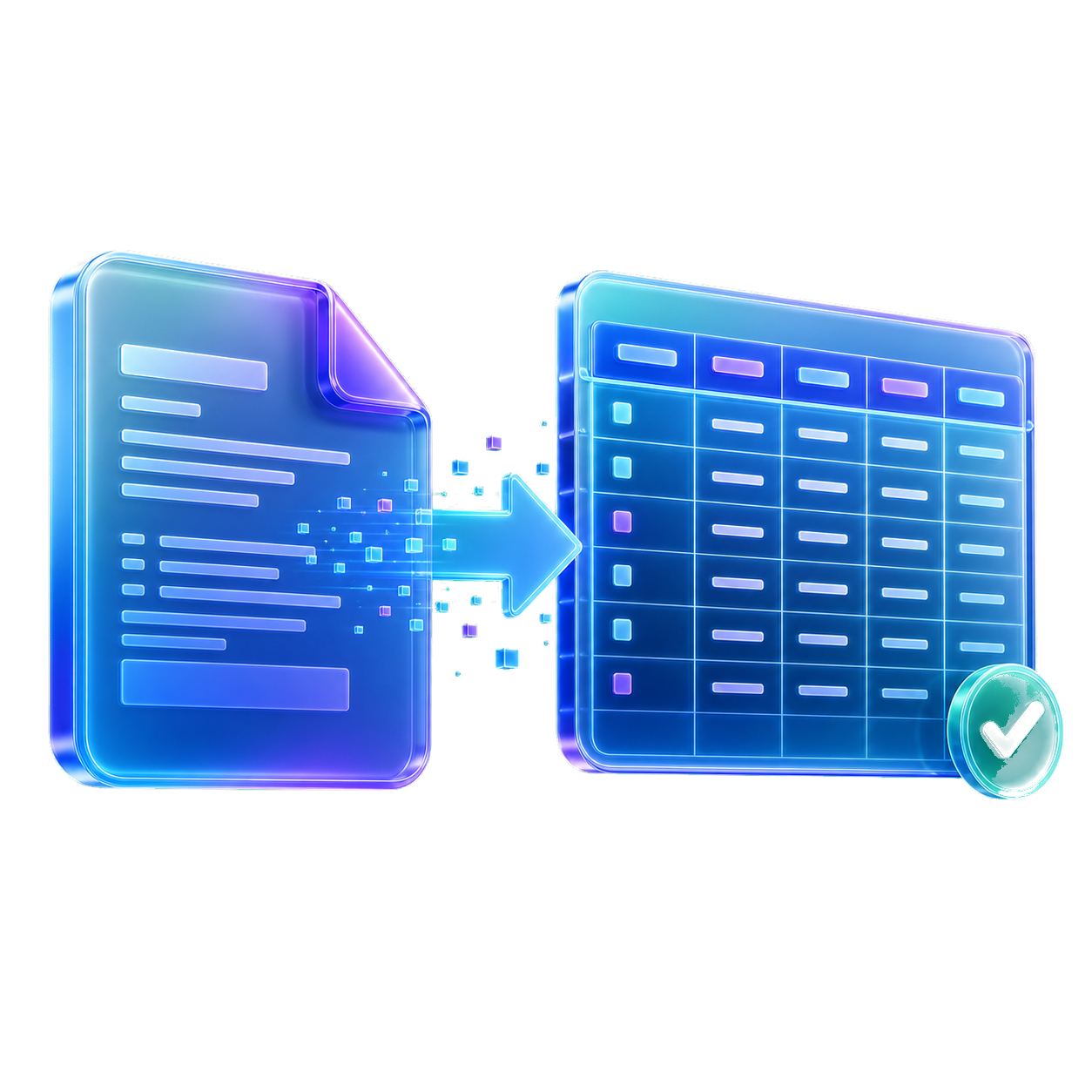
StatementForge looks for dates, descriptions, withdrawals, deposits, net amounts, and balances.

Check and edit the transaction table before exporting, especially for unusual layouts or rows that need manual review.
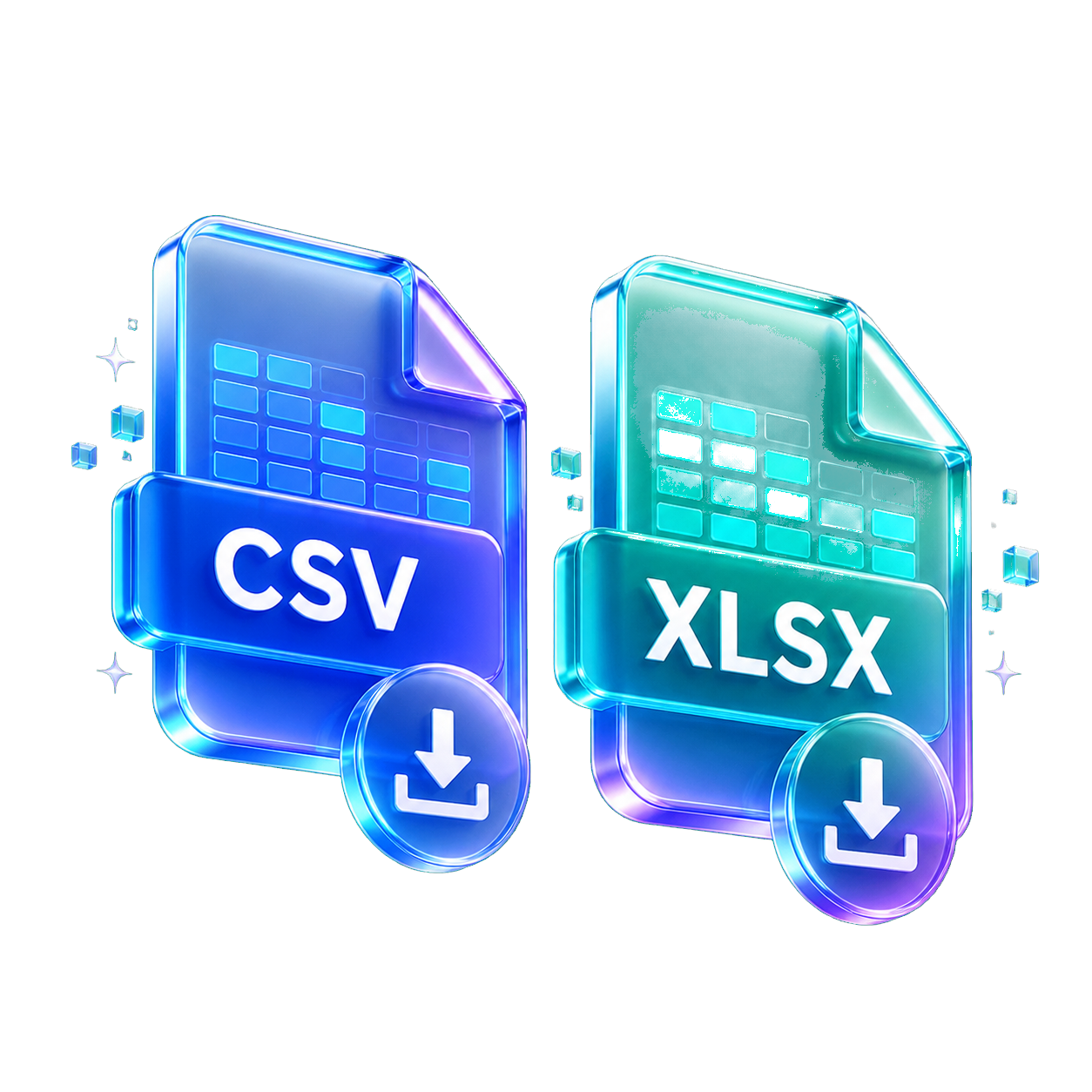
Download CSV, XLSX, JSON, QBO, OFX, or QIF depending on the workflow you need.
No. It is a statement file converter, not a TD integration.
Yes. XLSX export is available from reviewed rows.
No. You only choose statement files you already downloaded.
No converter can guarantee that. Review the output before using it.
Start with the format, privacy setup, or statement type that matches the file in front of you. Each guide opens the same converter with a more focused workflow.
Use these when you want clean rows for spreadsheets, bookkeeping cleanup, or analysis.
Create reviewed files for accounting tools that accept QBO, QIF, OFX, or CSV imports.
Parse, review, analyze, and batch-convert sensitive statement files in the browser.
Start from a bank-specific or statement-review workflow, then convert the downloaded PDF.