Handle PDF-only clients
Create a structured export when clients do not provide CSV or bank-feed access.
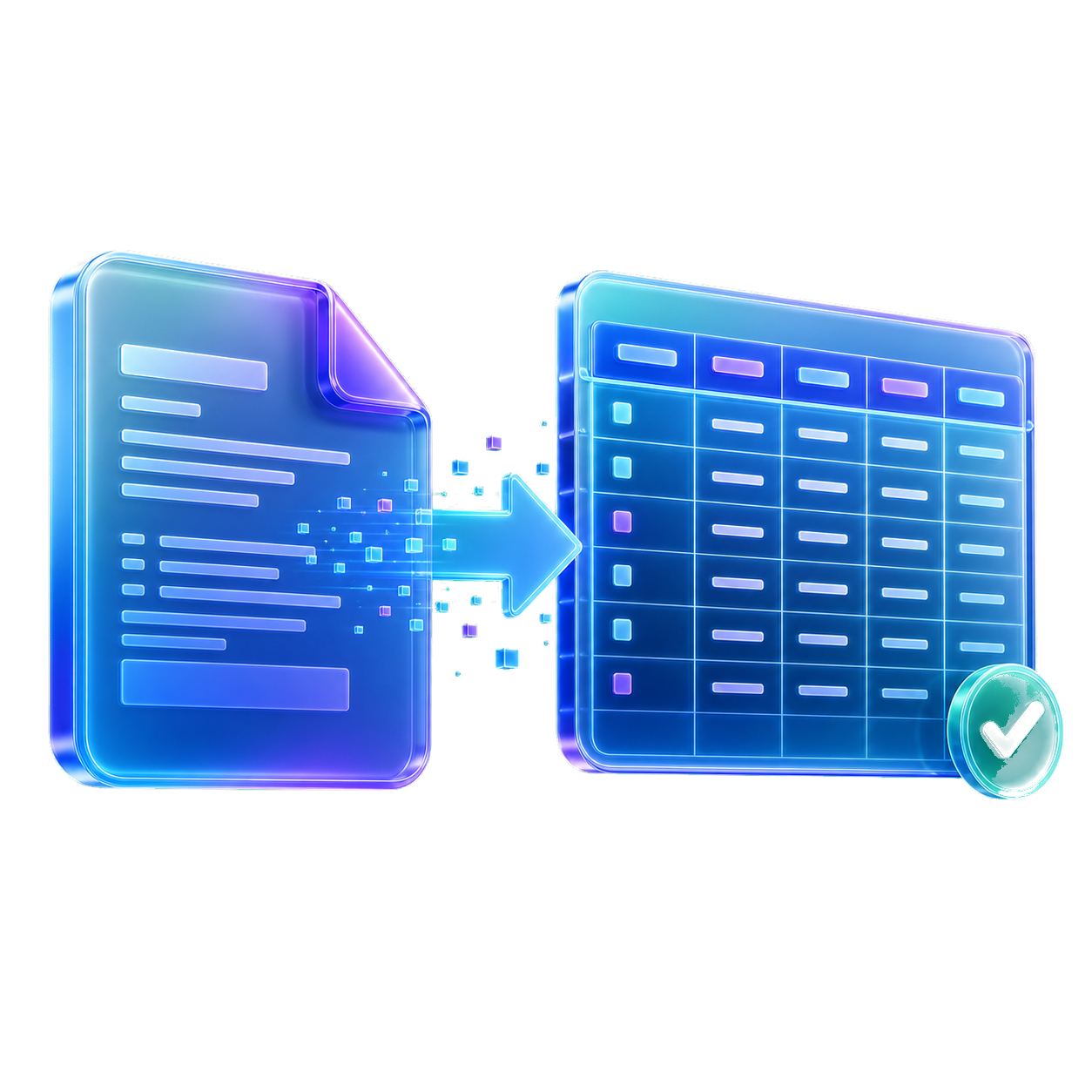
When clients send PDFs instead of transaction exports, StatementForge creates structured rows accountants can review before sending data onward.

Create a structured export when clients do not provide CSV or bank-feed access.
Bulk exports preserve statement names so rows can be traced back to the source file.
Statement contents are processed in the browser, reducing exposure during file conversion.
Choose a text-based bank statement PDF, add a batch on bulk plans, or paste statement text when a PDF is locked.

StatementForge looks for dates, descriptions, withdrawals, deposits, net amounts, and balances.

Check and edit the transaction table before exporting, especially for unusual layouts or rows that need manual review.
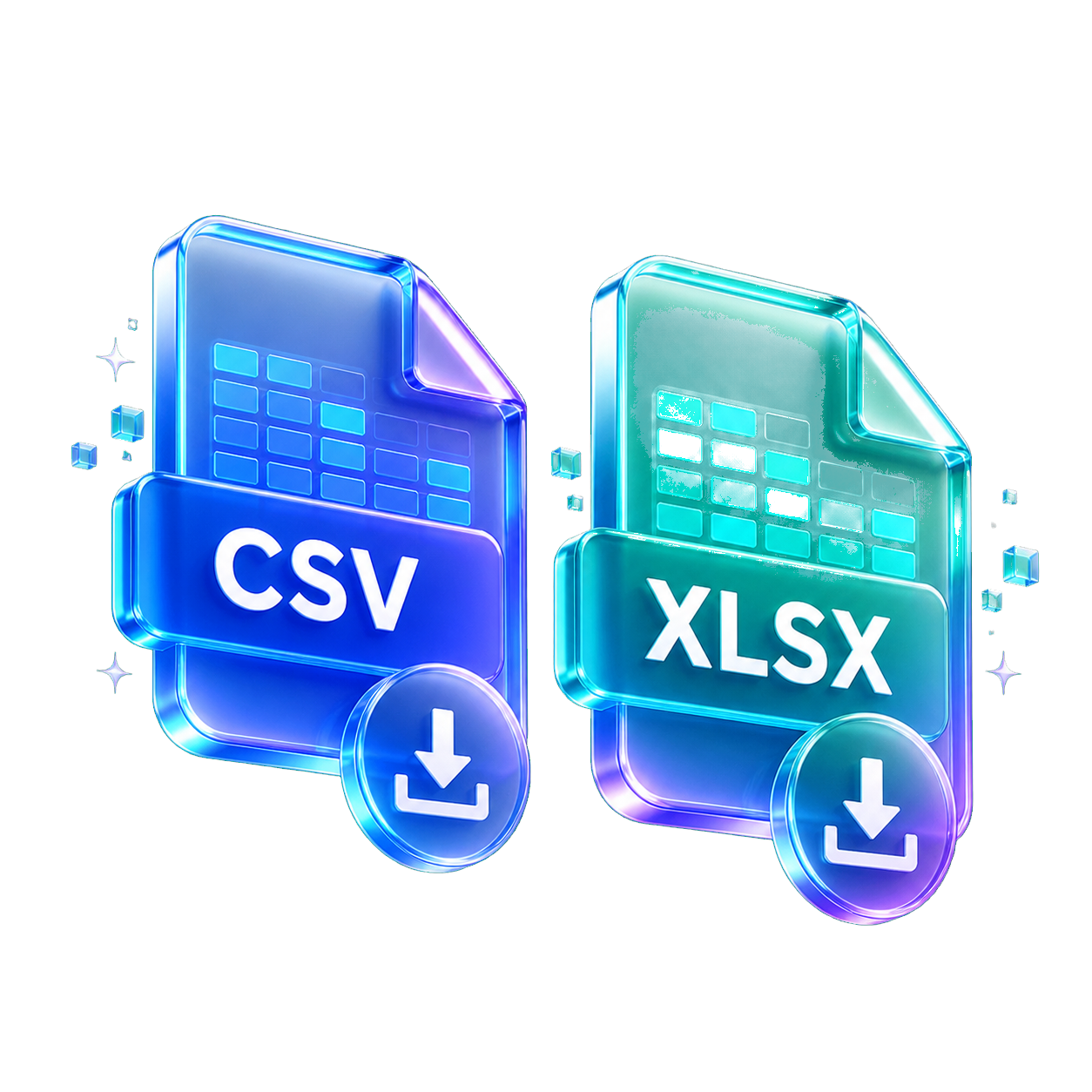
Download CSV, XLSX, JSON, QBO, OFX, or QIF depending on the workflow you need.
Yes, as long as your own client data handling policies allow browser-only local conversion.
No. Statement file contents are not uploaded for conversion.
Yes. Reviewed rows can be exported to accounting-oriented formats supported by the app.
No. It reduces extraction work, but professional review is still needed.
Start with the format, privacy setup, or statement type that matches the file in front of you. Each guide opens the same converter with a more focused workflow.
Use these when you want clean rows for spreadsheets, bookkeeping cleanup, or analysis.
Create reviewed files for accounting tools that accept QBO, QIF, OFX, or CSV imports.
Parse, review, analyze, and batch-convert sensitive statement files in the browser.
Start from a bank-specific or statement-review workflow, then convert the downloaded PDF.