From PDF to import file
Use QIF when your finance app needs a file rather than a spreadsheet.
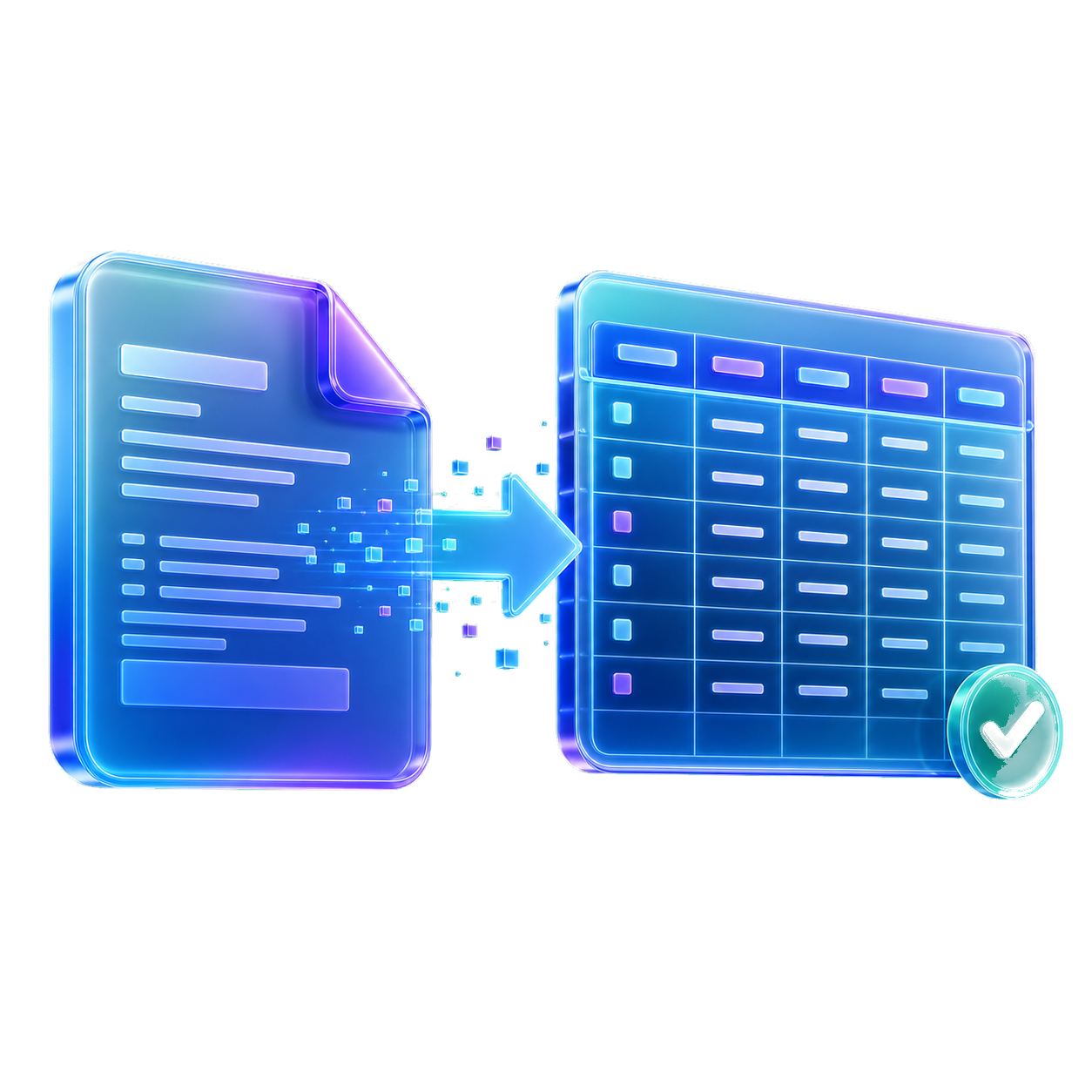
StatementForge reads a bank statement PDF, shows the transaction rows for review, and exports QIF for tools that support legacy imports.
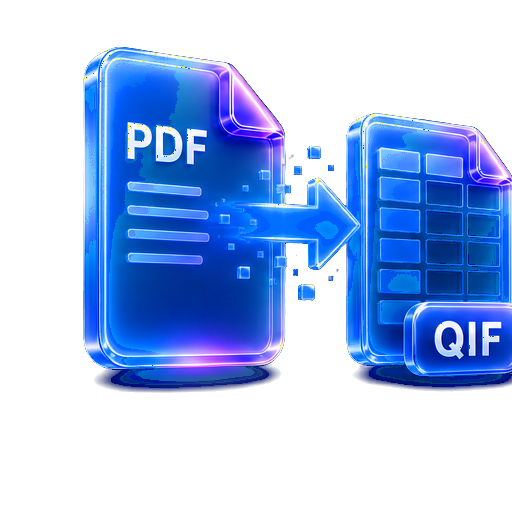
Use QIF when your finance app needs a file rather than a spreadsheet.
Check extracted rows before creating the final QIF.
Download CSV or XLSX too if you want a human-readable copy.
Choose a text-based bank statement PDF, add a batch on bulk plans, or paste statement text when a PDF is locked.

StatementForge looks for dates, descriptions, withdrawals, deposits, net amounts, and balances.

Check and edit the transaction table before exporting, especially for unusual layouts or rows that need manual review.
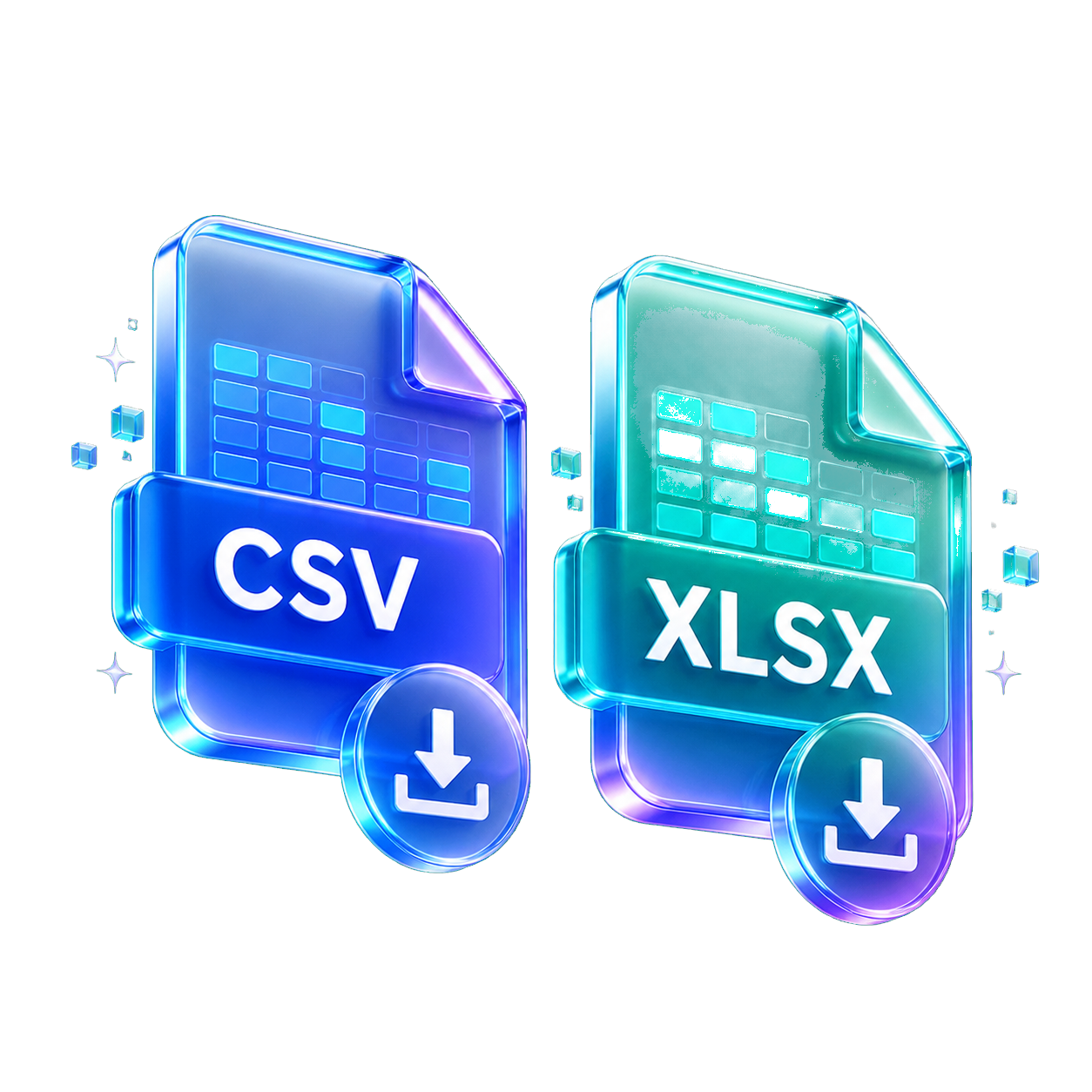
Download CSV, XLSX, JSON, QBO, OFX, or QIF depending on the workflow you need.
Yes, some older and open-source finance tools still support QIF imports.
Scanned PDFs may use local image-to-text for the first 8 pages, but you should review the rows carefully before exporting.
QIF is transaction-focused; balances may be used for review but are not always represented the same way in every importer.
Yes. StatementForge also supports OFX export from reviewed rows.
Start with the format, privacy setup, or statement type that matches the file in front of you. Each guide opens the same converter with a more focused workflow.
Use these when you want clean rows for spreadsheets, bookkeeping cleanup, or analysis.
Create reviewed files for accounting tools that accept QBO, QIF, OFX, or CSV imports.
Parse, review, analyze, and batch-convert sensitive statement files in the browser.
Start from a bank-specific or statement-review workflow, then convert the downloaded PDF.