Built for transaction rows
The parser is tuned for dates, descriptions, money columns, and running balances.
Use StatementForge as a bank statement parser for turning PDF statements into a reviewable table before exporting to spreadsheet or accounting formats.

The parser is tuned for dates, descriptions, money columns, and running balances.
Parsed data is shown in a table so you can correct rows before export.
Parsing runs in the browser. Statement files are not uploaded for extraction.
Choose a text-based bank statement PDF, add a batch on bulk plans, or paste statement text when a PDF is locked.

StatementForge looks for dates, descriptions, withdrawals, deposits, net amounts, and balances.

Check and edit the transaction table before exporting, especially for unusual layouts or rows that need manual review.
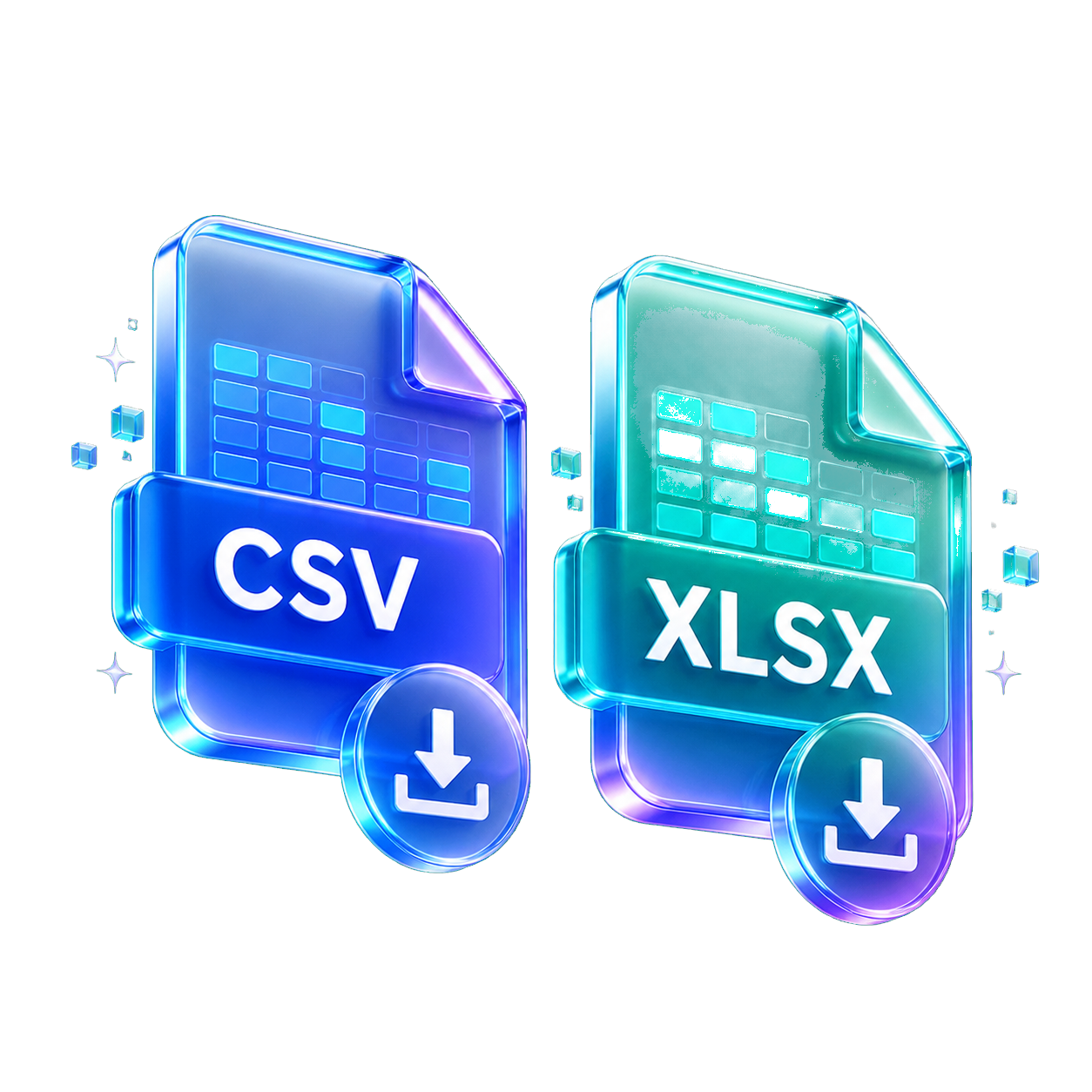
Download CSV, XLSX, JSON, QBO, OFX, or QIF depending on the workflow you need.
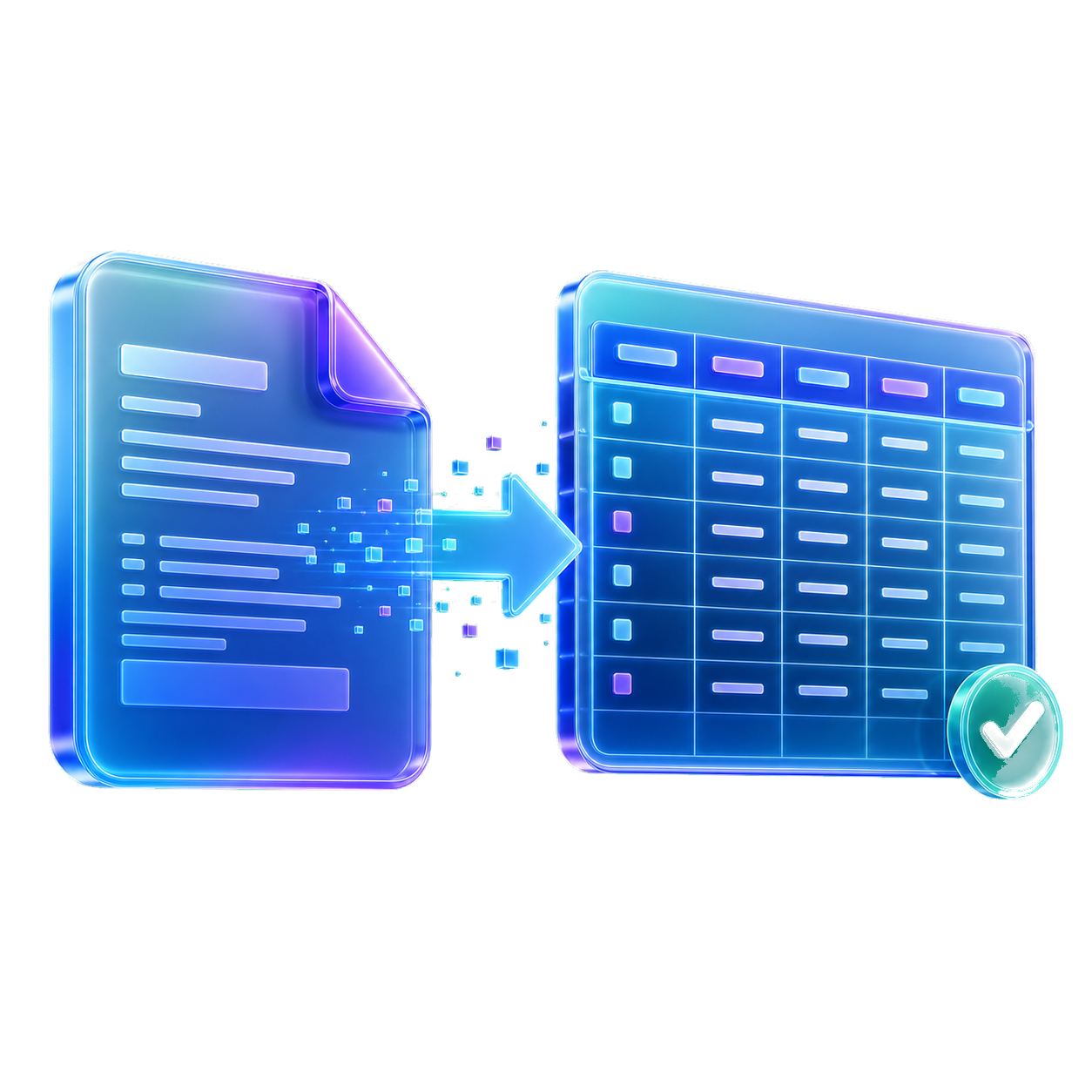
It reads statement text and turns transaction lines into structured rows.
It is built to handle many layouts, but banks vary. Review the output before exporting.
No. The parser focuses on source transaction data rather than guessing spending categories.
Yes. You can paste copied statement text into the manual text area.
Start with the format, privacy setup, or statement type that matches the file in front of you. Each guide opens the same converter with a more focused workflow.
Use these when you want clean rows for spreadsheets, bookkeeping cleanup, or analysis.
Create reviewed files for accounting tools that accept QBO, QIF, OFX, or CSV imports.
Parse, review, analyze, and batch-convert sensitive statement files in the browser.
Start from a bank-specific or statement-review workflow, then convert the downloaded PDF.